Choose the right QR code for what you’re sharing.
Twelve options, one private generator. Here’s what each is for, with real examples.Quick comparison
| Type | Best for | Example |
|---|---|---|
| Location | Share a map pin or an existing Maps link. | A workshop invitation opens a map pin for the venue. |
| Calendar Event | Share an event with a title, start time, end time and location. | A workshop flyer lets compatible scanners add its date and venue to a calendar. |
| PDF Link | Open a PDF that is already hosted online. | A product label links to a public instruction manual. |
| Google Reviews | Share the review link for your Google Business Profile. | A reception sign invites visitors to leave feedback about their visit. |
| Website URL | Menus, portfolios, landing pages | Link to a digital menu |
| Plain Text | Notes, instructions, identifiers | Appliance instructions in a cabinet |
| Wi-Fi Network | Guest network access | Cafe or rental Wi-Fi sign |
| Pre-filled inquiries and contact | Ready-to-send order inquiry | |
| Phone Call | Quick-dial support or contact lines | Repair line on a vending machine |
| SMS Message | Text-to-join or quick replies | “Text SAVE10” promo sign |
| Chat-based ordering or support | Food truck order chat | |
| Contact (vCard) | Networking, business cards | Instantly saved contact at an event |
LocationBest for: Share a map pin or an existing Maps link.Example: A workshop invitation opens a map pin for the venue.
Calendar EventBest for: Share an event with a title, start time, end time and location.Example: A workshop flyer lets compatible scanners add its date and venue to a calendar.
PDF LinkBest for: Open a PDF that is already hosted online.Example: A product label links to a public instruction manual.
Google ReviewsBest for: Share the review link for your Google Business Profile.Example: A reception sign invites visitors to leave feedback about their visit.
Website URLBest for: Menus, portfolios, landing pagesExample: Link to a digital menu
Plain TextBest for: Notes, instructions, identifiersExample: Appliance instructions in a cabinet
Wi-Fi NetworkBest for: Guest network accessExample: Cafe or rental Wi-Fi sign
EmailBest for: Pre-filled inquiries and contactExample: Ready-to-send order inquiry
Phone CallBest for: Quick-dial support or contact linesExample: Repair line on a vending machine
SMS MessageBest for: Text-to-join or quick repliesExample: “Text SAVE10” promo sign
WhatsAppBest for: Chat-based ordering or supportExample: Food truck order chat
Contact (vCard)Best for: Networking, business cardsExample: Instantly saved contact at an event
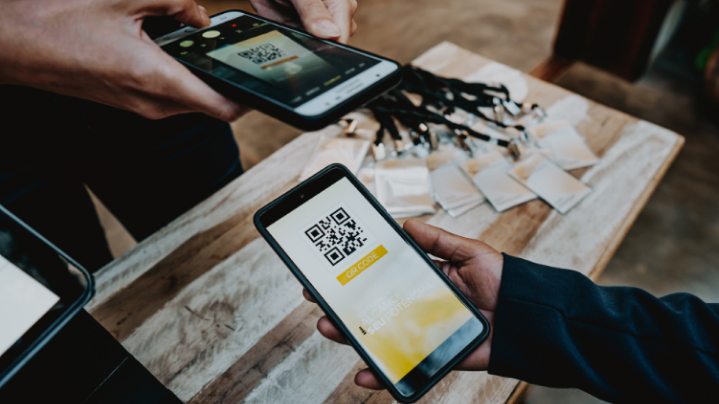
What is a Location QR code?
A Location QR code opens a public map link. Coordinates create a Google Maps pin.Common use cases
Example: A workshop invitation opens a map pin for the venue.Try the Location QR generator →- Shop entrances
- Meeting points
- Event venues
What is a Calendar Event QR code?
A Calendar Event QR code stores calendar data directly in its pattern. No event page is hosted by Qraffe.Common use cases
Example: A workshop flyer lets compatible scanners add its date and venue to a calendar.Try the Calendar Event QR generator →- Workshops
- Appointments
- Community meetings
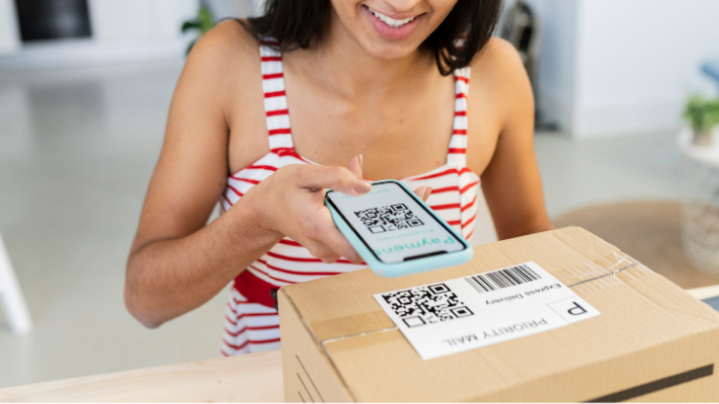
What is a PDF Link QR code?
A PDF Link QR code contains a public document URL. Qraffe does not upload or host the PDF.Common use cases
Example: A product label links to a public instruction manual.Try the PDF Link QR generator →- Menus
- Instruction manuals
- Brochures
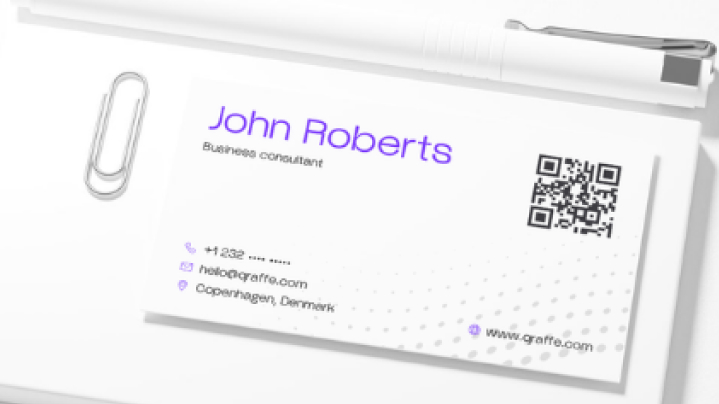
What is a Google Reviews QR code?
A Google Reviews QR code opens the review link you provide. It does not submit a review or verify your business automatically.Common use cases
Example: A reception sign invites visitors to leave feedback about their visit.Try the Google Reviews QR generator →- Receipts
- Reception desks
- Service follow-up cards
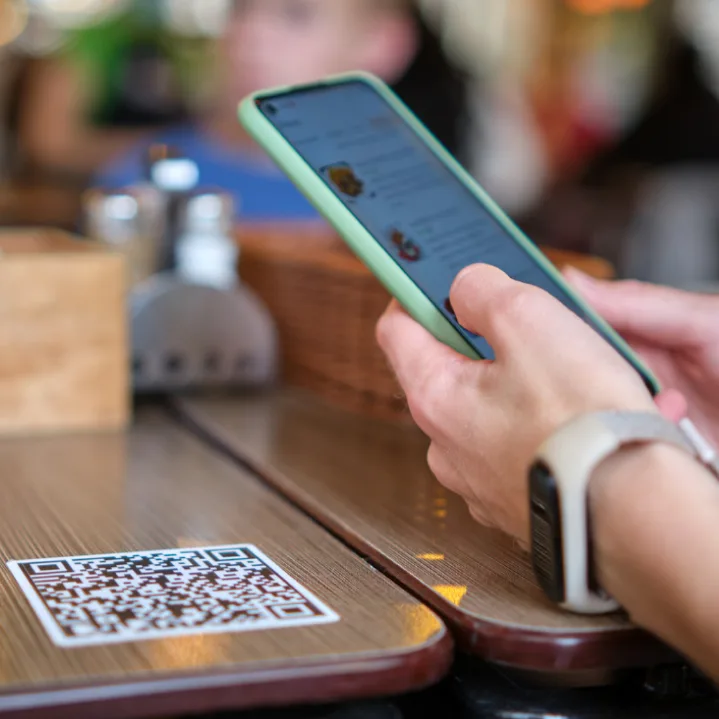
What is a Website URL QR code?
A Website URL QR code opens a link directly in a phone’s browser when scanned: no app or typing required.Common use cases
Example: A cafe places a table tent with a QR code; guests scan it and see the full menu on their phone instantly.Try the Website QR generator →- Digital restaurant menus
- Product pages and landing pages
- Portfolios and online profiles
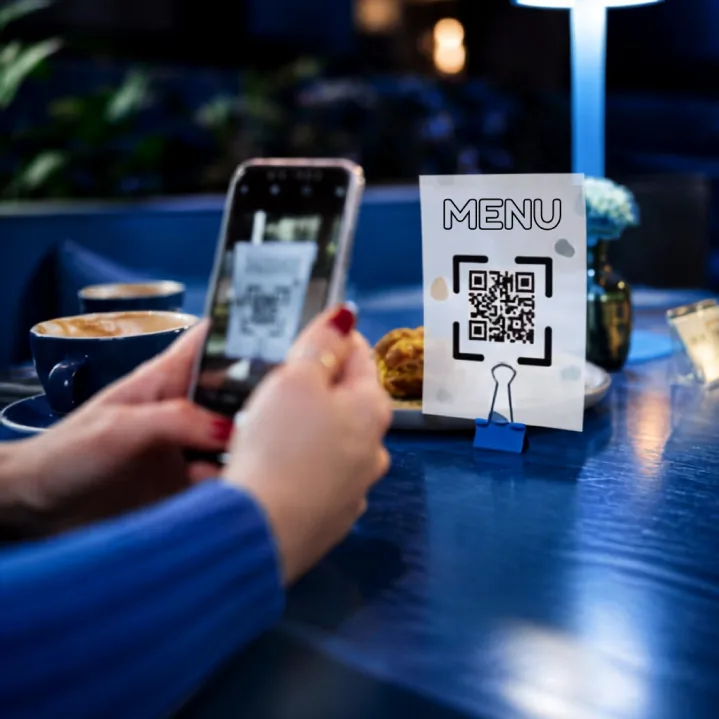
What is a Text QR code?
A Text QR code stores a note, message or piece of information directly in the code itself: no link, no app, just text displayed on scan.Common use cases
Example: A landlord tapes a QR code inside a cabinet with appliance instructions: tenants scan it and read the text immediately, no PDF or app needed.Try the Text QR generator →- Instructions or short how-tos on equipment or packaging
- Serial numbers, asset tags or inventory identifiers
- Notes, quotes or messages for gifts and cards
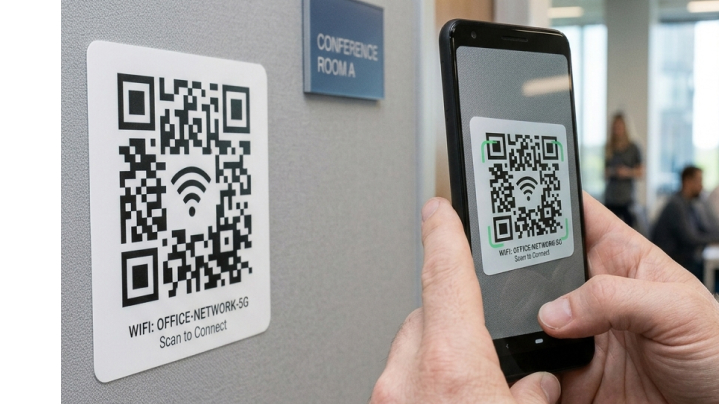
What is a Wi-Fi QR code?
A Wi-Fi QR code lets a phone camera join a network automatically, without typing the password.Common use cases
Example: A guest checks into an Airbnb, scans the Wi-Fi code on the fridge and is online in two seconds: no asking the host for a password.Try the Wi-Fi QR generator →- Guest networks at cafes and offices
- Rental property check-in instructions
- Conference and event Wi-Fi access
What is an Email QR code?
An Email QR code opens a pre-filled email: recipient, subject and message already in place, in the scanner’s default mail app.Common use cases
Example: A flyer for a pop-up shop includes a QR code that opens a ready-to-send email asking about custom orders: no typing an address or searching for contact info.Try the Email QR generator →- Contact-us prompts on business cards or flyers
- Feedback or support requests at events
- Pre-written inquiry templates for sales or bookings
What is a Phone Call QR code?
A Phone Call QR code places a phone number directly into a compatible device’s dialer, ready to call with one tap.Common use cases
Example: A vending machine displays a QR code for reporting issues: scan it and the repair line is already dialed and ready to call.Try the Phone QR generator →- Customer support numbers on packaging or receipts
- Emergency or facility contact numbers on signage
- Quick-call prompts on posters and business cards
What is an SMS QR code?
An SMS QR code opens the phone’s messaging app with a recipient number and optional message already filled in.Common use cases
Example: A retail store’s window sign reads “Text SAVE10 to join our list”: scanning the QR code opens the message pre-filled, so the customer just hits send.Try the SMS QR generator →- Text-to-join lists for promotions, waitlists or newsletters
- Quick feedback or RSVP prompts
- Support requests that prefer text over calls
What is a WhatsApp QR code?
A WhatsApp QR code opens a chat with a specific number on WhatsApp, optionally with a message already typed in.Common use cases
Example: A food truck’s menu board includes a WhatsApp QR code: customers scan it and a pre-written “I’d like to order:” message opens, ready to send.Try the WhatsApp QR generator →- Customer service chat entry points
- Order inquiries for small businesses
- Direct booking or reservation requests
What is a Contact QR code?
A Contact (vCard) QR code shares your name, number and details so a phone can save them as a new contact in one scan.Common use cases
Example: At a trade show, instead of exchanging paper cards, you scan each other’s Contact QR: saved instantly, no typos.Try the Contact QR generator →- Networking events and conferences
- Digital business cards
- Email signatures and resumes
Frequently asked questions
A Website URL QR code, linking to your digital menu page.
Yes: the QR code itself contains the network name and password directly, so no internet connection is needed to scan and join.
Not directly: each QR code holds one type of content. For multiple links, point a Website URL QR code to a page listing them all.
An SMS QR code opens the phone’s default text messaging app; a WhatsApp QR code opens a chat specifically within WhatsApp. Use SMS for broad compatibility, WhatsApp if your audience already uses it.
No: Email and Phone Call QR codes use the device’s built-in mail app and dialer, which every phone already has.
Yes: scanning shows a preview of the contact details first; the person chooses whether to save it.